 Iris
AI assisted hands-free browsing with voice control
Use the web by speaking
Iris is an extension for Google Chrome. Talk to it as you would to a person: it opens websites, reads pages aloud, types for you and gets things done on websites, step by step.
Free for individuals and small businesses. Your voice stays on your computer.
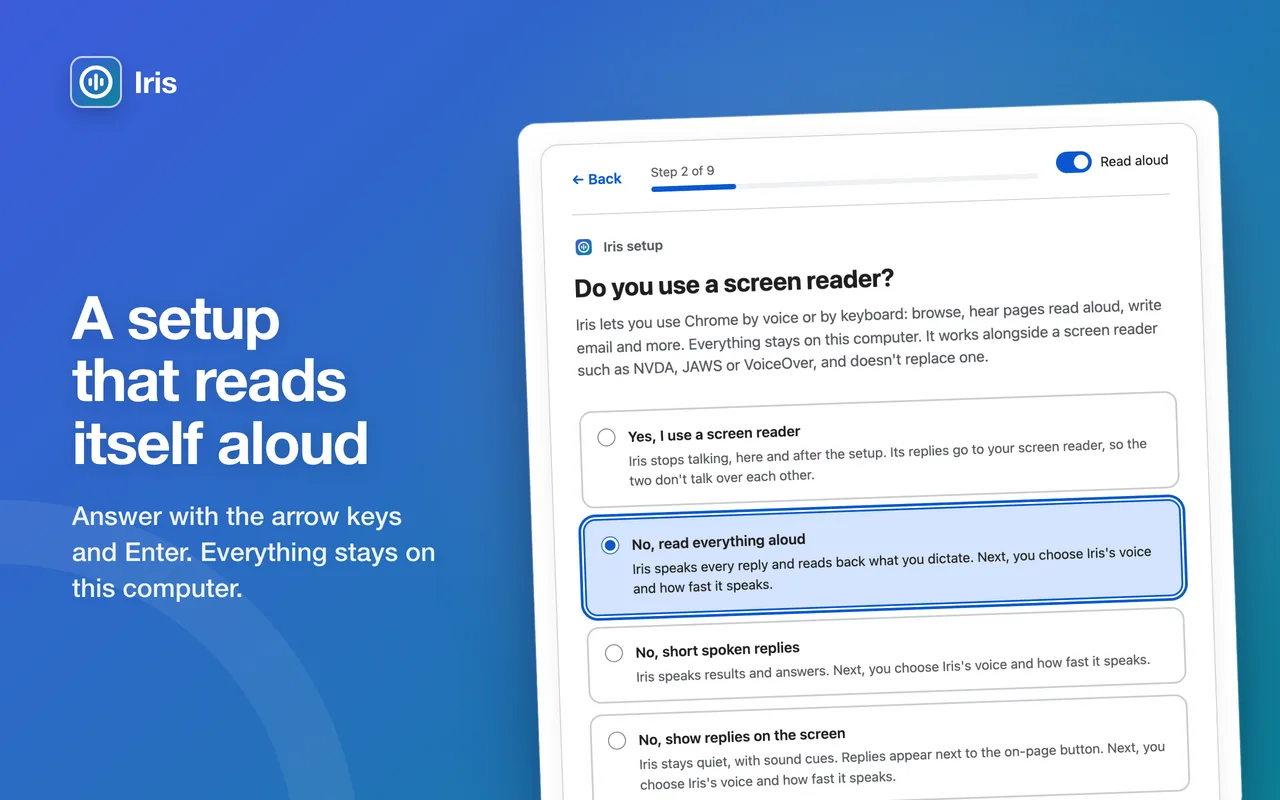
What Iris does
For anyone who can't easily use a mouse, keyboard or screen, and anyone who would like their hands free.
Completely hands-free
Say "Hey Iris", or press one key and talk, or press a key and type. Spoken replies and sound cues mean you don't need to see the screen.
Reads the web to you
Pages, headlines, summaries, reviews and your emails, read aloud. Say "more" to carry on and "stop" to stop. It can describe pictures too.
Gets things done
Say what you want, like "find the opening hours" or "add it to my basket". Iris tells you its plan, then works through the page step by step.
Your voice stays with you
Speech is recognised on your computer and never uploaded. No account, no analytics, no ads and no tracking.
Asks before anything important
Iris asks you to confirm anything that can't be undone, such as sending or deleting. It never types a password you say, and it never places an order.
Works with your screen reader
Designed to work alongside VoiceOver, NVDA, JAWS and ChromeVox. Iris can give its replies to your screen reader instead of speaking over it.
See Iris at work
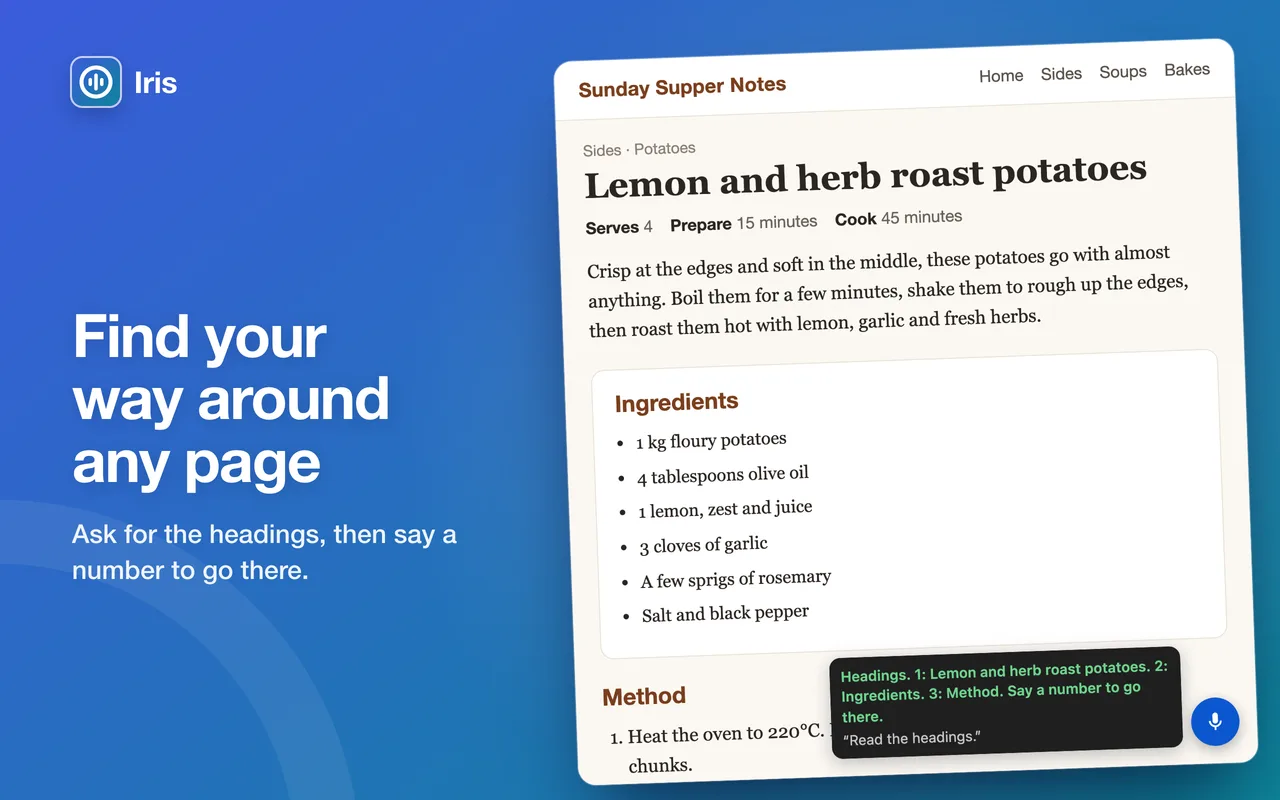
On a recipe page, Iris reads out the headings after "Read the headings"; say a number to go there 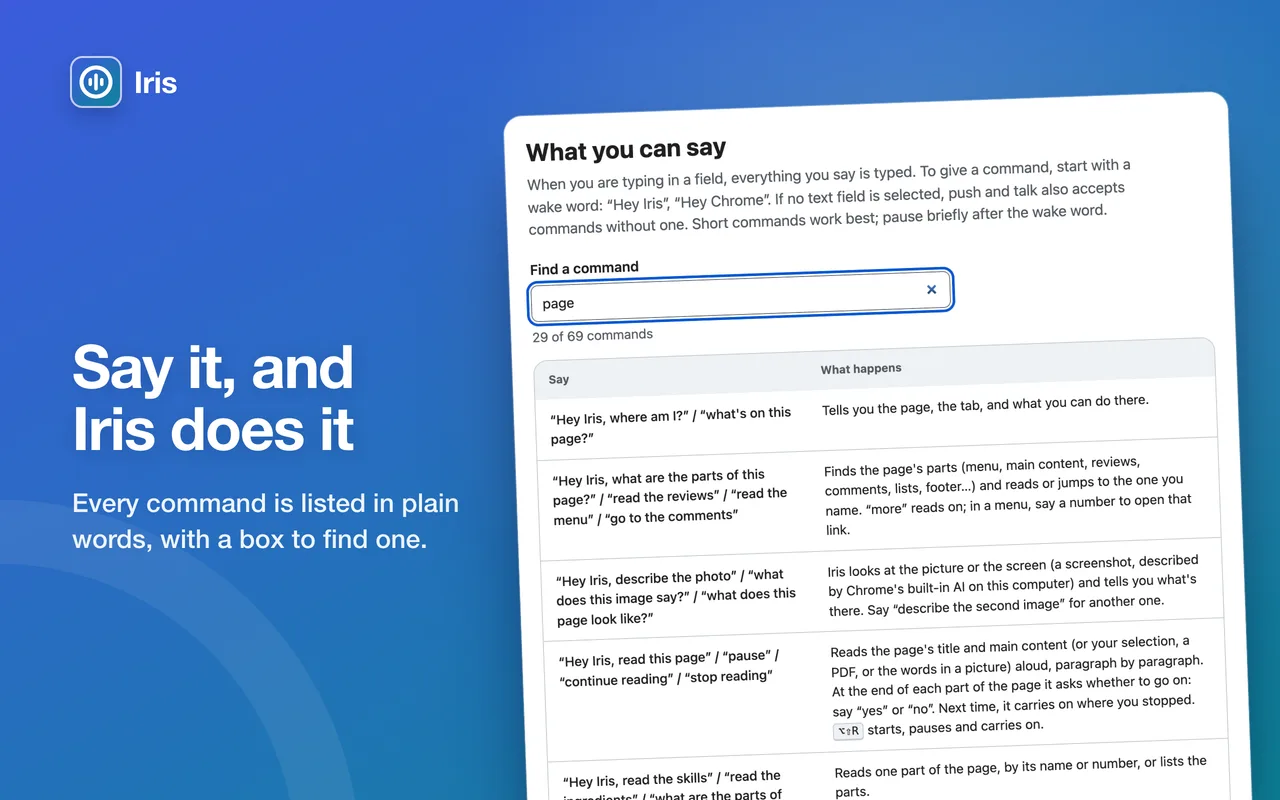
Every command listed in plain words, with a box to find one 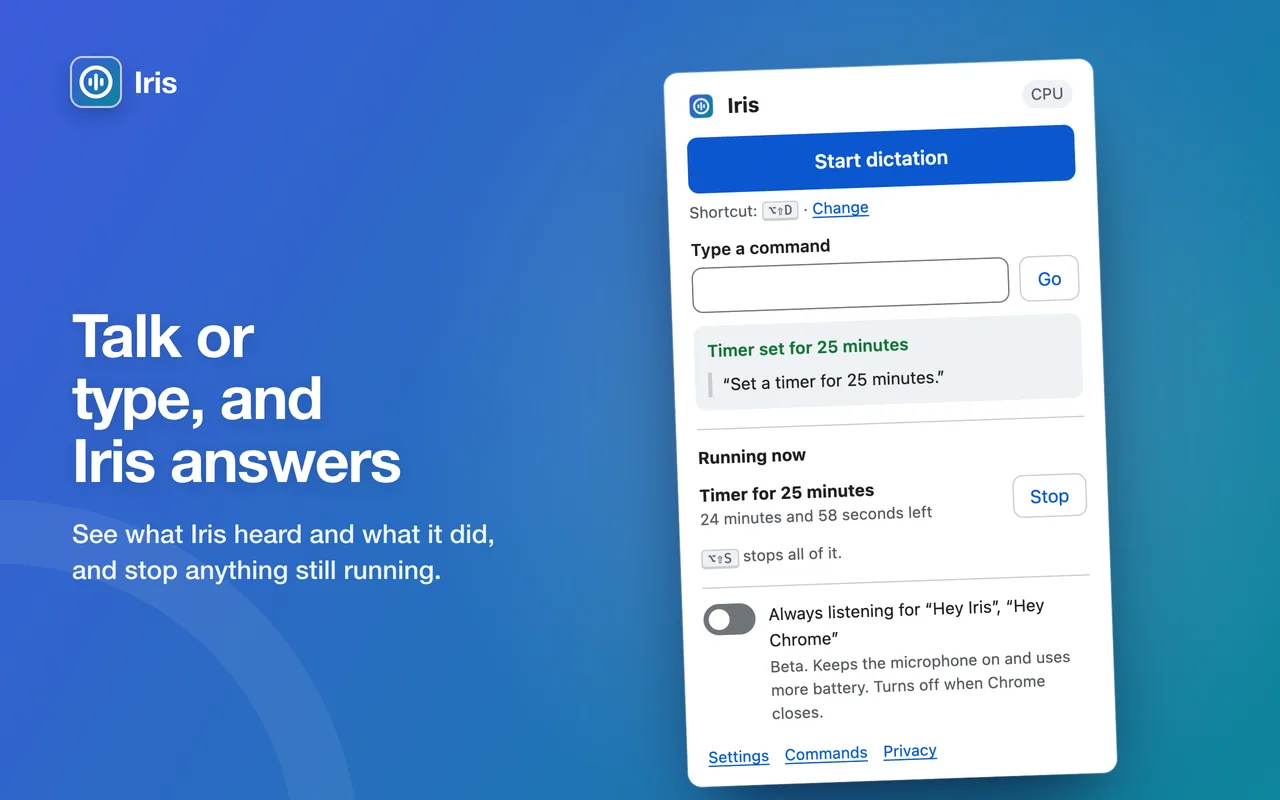
Iris's menu: type a command, see what Iris heard and did, and stop anything still running 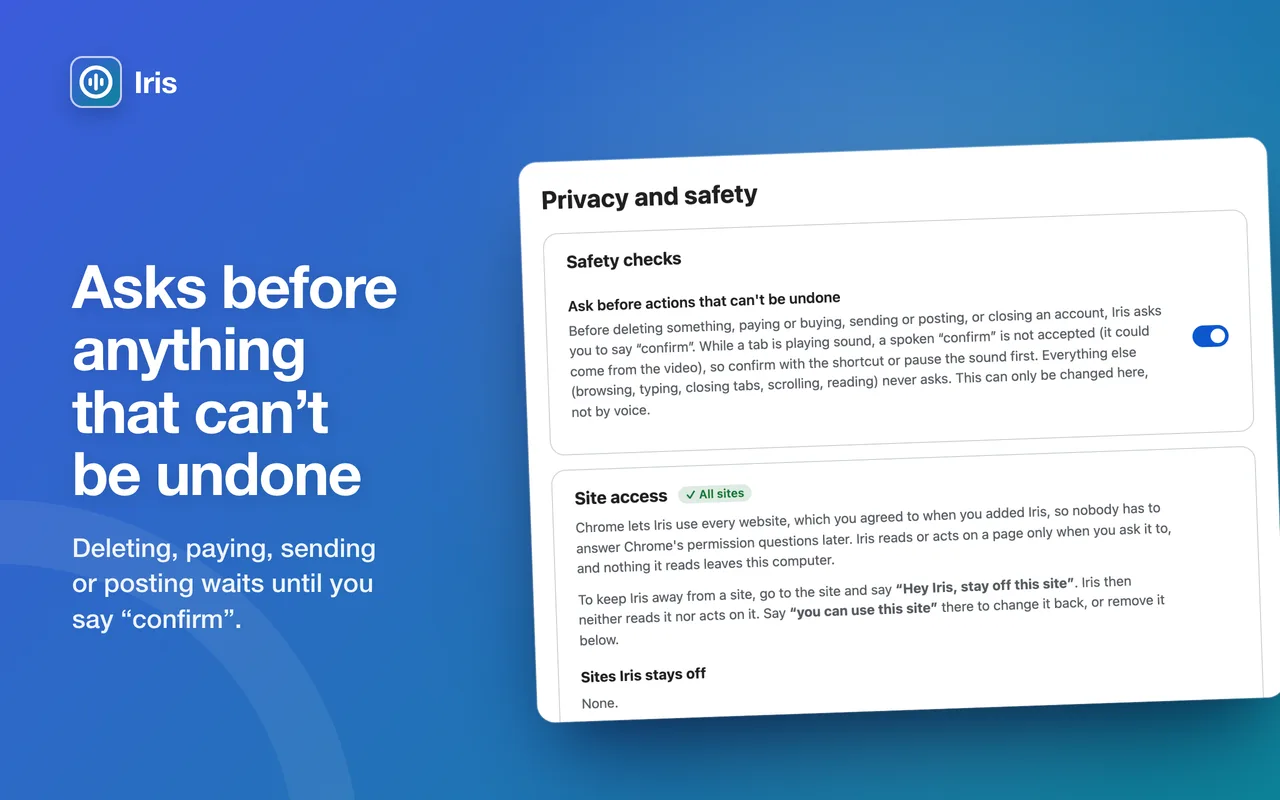
Safety checks: Iris asks you to say "confirm" before anything that can't be undone
Everyday things, by voice
- "Read me the headlines", then "open the second one"
- "Read my emails" and "reply saying I'll be there at six"
- "Search for train times to Leeds"
- "Play Ella Fitzgerald", "pause", "skip ad"
- "What's on this page?" and "go to the reviews"
- "Set a timer for 10 minutes"
Iris works in 39 languages, all on your computer. More things to say
What you need
- Google Chrome 121 or newer, on Windows, macOS, Linux or ChromeOS
- A microphone, and headphones if you can: they stop Iris hearing itself
- For Chrome's built-in AI: a recent computer with enough free space and graphics memory. Without it, Iris uses its own smaller AI on your computer.
AI can make mistakes. Iris can mishear you or misread a page. Check anything important. Iris is an aid and doesn't replace your screen reader.
Free for individuals and small businesses
Iris is free for you to use yourself, and for businesses, charities and other organisations with yearly revenue under £5 million. Larger organisations need a licence.